Can You Play PC Rust With A Controller Setup Guide
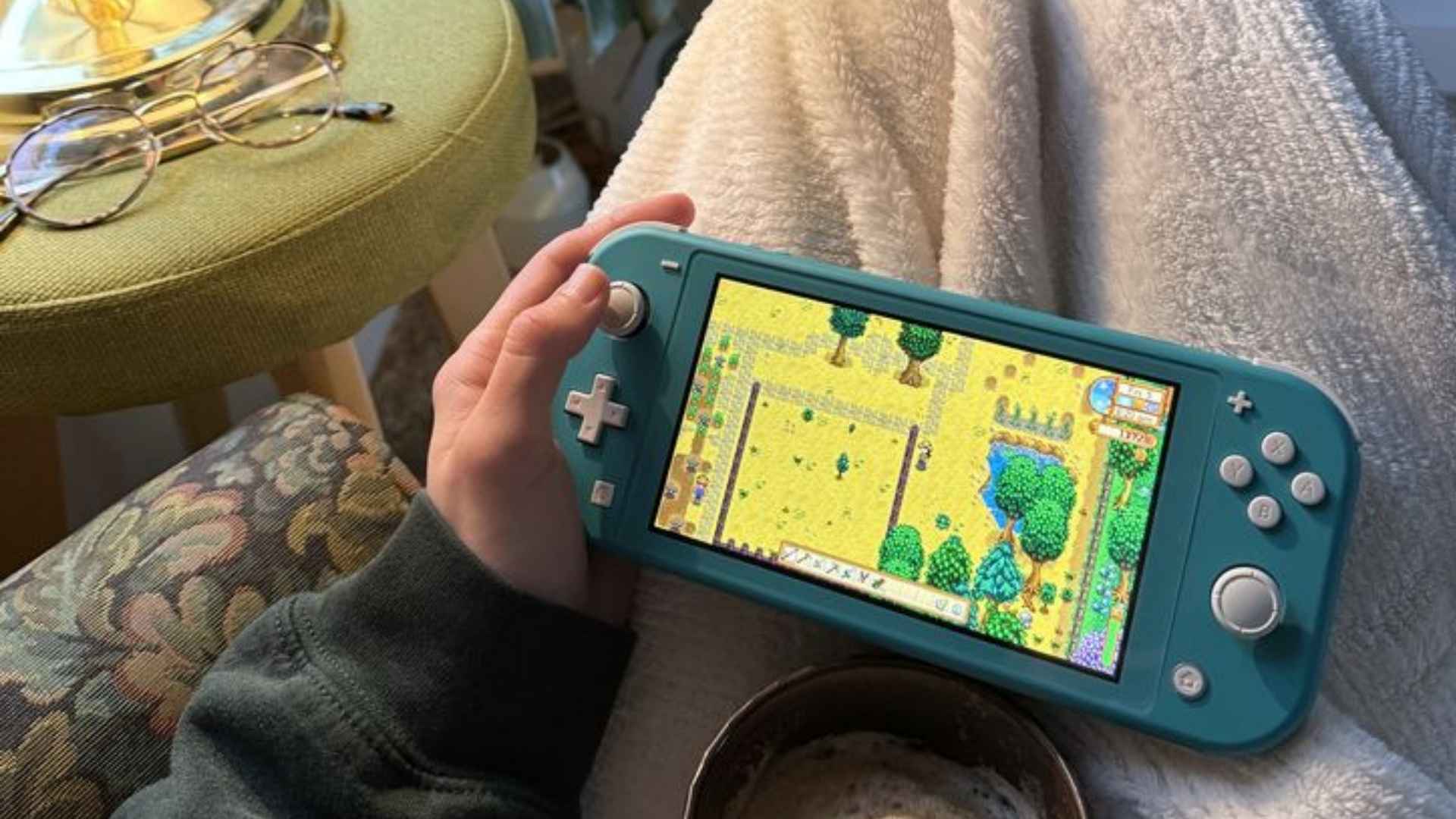
Playing Rust on PC with a controller is entirely possible, though the game does not offer full native gamepad functionality out of the box. Many survival enthusiasts prefer using a gamepad for comfort or familiar controls during long exploration sessions. Understanding how to configure your controller properly ensures you can navigate the island efficiently without losing crucial gameplay functions.
Steam Input Configuration for Rust
The most reliable way to use a controller for PC Rust is through the Steam Input feature. By enabling controller support in Steam settings, you can map keyboard and mouse commands directly to your gamepad buttons. Players can choose from community-created control templates or customize their own layout to fit their personal playstyle.
Using Steam's Big Picture Mode provides an intuitive interface for adjusting stick sensitivity and dead zones. This setup allows you to map essential actions like crouching, sprinting, and opening your inventory to convenient physical buttons. You can also fine-tune aiming curves to ensure smooth camera movements while targeting targets or gathering resources.
Setting Up In-Game Binds and Controls
Once your gamepad layout is configured in Steam, you should review your in-game control settings to match your setup. Adjusting camera sensitivity within the game menu helps compensate for the precision differences between a thumbstick and a traditional mouse. Binding frequent actions to easily accessible buttons reduces the need to reach for your keyboard during intense encounters.
For players who want an optimal experience, setting up toggles for actions like crouching or sprinting can make navigation much easier. If you want to check out an alternative setup for other devices, you can explore this guide to learn more. Properly organized inputs help prevent accidental misclicks while building bases or managing valuable loot.
Gameplay Considerations and Performance Tips
While using a controller offers a relaxed couch-gaming feel, PC servers are populated by players using precise keyboard and mouse setups. Controller users may find fast-paced PvP combat challenging due to lower aiming precision and slower turn speeds. Focusing on base building, resource gathering, and PvE activities can provide a highly enjoyable experience on a gamepad.
To overcome aiming limitations, tweaking stick dead zones and digital acceleration boost settings can greatly improve responsiveness. Practicing movement and quick-turn maneuvers will help you react faster when unexpected threats appear. With the right configuration, playing PC Rust with a controller becomes a viable and comfortable way to enjoy the game.